Giving AI Agents Eyes on Your Terminal
AI coding agents are blind to your running services. BrainLog wraps your processes and exposes their logs over MCP, letting agents observe, verify, and react to what's actually happening in your dev environment.
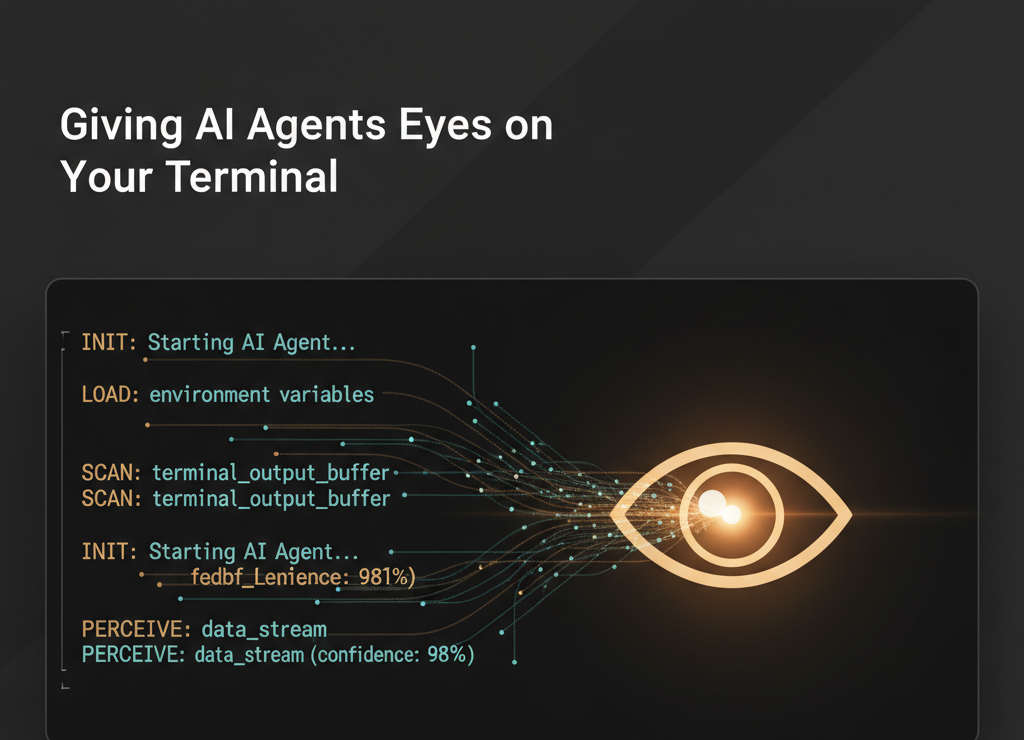
AI coding agents can read your files, run your tests, and even deploy your code. But ask one what your local dev server is doing right now and you’ll get a blank stare. They’re blind to running processes.
This is a bigger problem than it sounds.
The Observation Gap
Here’s a scenario that plays out constantly: you’re working with an AI agent on a backend feature. The agent writes the code, the tests pass, you deploy locally. Then you test it manually and something’s off. The agent asks you to check the server logs. You switch terminals, scroll through output, copy the relevant lines, paste them back. The agent reads them, suggests a fix, and you repeat.
That copy-paste loop is pure friction. The agent could be reading those logs directly, but it has no way to see what’s running on your machine.
flowchart LR
    subgraph "Without Process Observability"
        A1[Agent writes code] --> B1[User tests manually]
        B1 --> C1[User copies logs]
        C1 --> D1[Pastes to agent]
        D1 --> E1[Agent reads & debugs]
        E1 --> A1
    end

    subgraph "With Process Observability"
        A2[Agent writes code] --> B2[User tests manually]
        B2 --> C2[Agent tails logs directly]
        C2 --> D2[Agent debugs immediately]
        D2 --> A2
    end
The second loop is tighter. No context switching. No paste formatting. No “can you show me the last 20 lines?”
BrainLog: A PTY Wrapper with an MCP Interface
 BrainLog takes a simple approach: wrap your processes in a PTY that records everything, then expose those recordings over MCP so any AI agent can query them.
# Instead of this
make dev

# Do this
brainlog -n api-server make dev
Your process runs exactly as before — same stdin, stdout, stderr, same TTY behavior. But now every byte is recorded efficiently, and an MCP server can serve it up to any connected agent.
The MCP server exposes three tools:
| Tool | What it does |
|---|---|
discover_services | Find running processes by name, tags, port, or status |
get_logs | Read logs with head/tail/range modes |
search_logs | Regex search across all services with timestamps |
What This Actually Looks Like in Practice
I was working with Claude Code on a feature that involved multiple services — a backend API and a web frontend. After making changes to the API, I needed to verify the behavior end-to-end.
Instead of asking me to paste logs, the agent just… looked:
> discover_services(name="api")
  → api_server, running, pid 13378, port 9999

> get_logs(id="5e274bc9...", mode="tail", lines=20)
  → [23:38:37] POST /api/v1/items  201 Created
  → [23:38:37] Processing 3 matching rules
  → [23:38:37] POST https://hooks.slack.com/services/... 200 OK
The agent could see the request come in, watch the business logic execute, and verify the external API call succeeded — all without me touching anything. When I asked “did it work?”, it already knew.
Even better: after a database migration, the agent searched for errors across all services in one call:
> search_logs(pattern="error|Error|ERROR")
  → 0 matches
Clean. No need to check multiple terminals.
Why MCP Is the Right Interface
You could pipe logs to a file and have the agent read it. But MCP gives you structured access:
- Discovery — agents find services by metadata, not file paths
- Scoped reads — tail the last 50 lines, or search for a pattern, instead of reading megabytes of log data
- Multi-service — search across all your running processes in one call
- Live data — reads from the running process, not a stale file
MCP is becoming the standard way AI agents interact with external systems, and process observability is a natural fit.
The Feedback Loop Gets Tighter
The real unlock is what this does to the agent’s workflow. Today, coding agents work in a loop: write code → run tests → check output → iterate. But tests only cover what you’ve written tests for. The gap between “tests pass” and “it actually works” is where bugs live.
With process observability, the agent can verify end-to-end behavior:
- Write the code
- Tests pass
- User triggers the feature in the UI
- Agent tails the server logs and confirms the expected behavior
- Agent spots the issue (or confirms success) immediately
No copy-paste. No “can you show me what happened?” The agent was watching the whole time.
What’s Missing
BrainLog is early. A few things that would make it significantly better:
Incremental polling — right now, tailing logs returns the last N lines. If you poll repeatedly (which agents do during E2E testing), you re-read old lines every time. A since cursor that returns only new lines would make polling clean.
wait_for_pattern — a blocking call that returns when a regex matches in the log stream, with a timeout. Think Playwright’s waitForText but for server logs. This would let agents do precise assertions: “wait until I see request completed or error, then tell me what happened.”
ANSI stripping — logs come back with raw terminal color codes. Great for terminal display, noise for agents. A strip_ansi option on reads would help.
Auto-naming — services show up unnamed unless you pass -n. Inferring a name from the working directory and command would reduce setup friction.
Try It
cargo install brainlog

# Wrap your dev server
brainlog -n my-api make dev

# In another terminal, start the MCP server
brainlog mcp
You can add BrainLog to any MCP-compatible agent:
Claude Code:
claude mcp add brainlog -- brainlog mcpOr manually in ~/.claude.json / Claude Desktop (claude_desktop_config.json):
"mcpServers": {
  "brainlog": {
    "command": "brainlog",
    "args": ["mcp"]
  }
}
Cursor / Windsurf / Roo Code: Add a new MCP server in your agent’s settings UI:
- Name:
brainlog - Type:
command - Command:
brainlog mcp
Now your agent can see what your services are doing.
The pitch is simple: your AI agent should be able to observe what your code is doing at runtime, not just what it looks like on disk. BrainLog is a step toward that.